

Alt text should clearly describe the image's purpose or content.
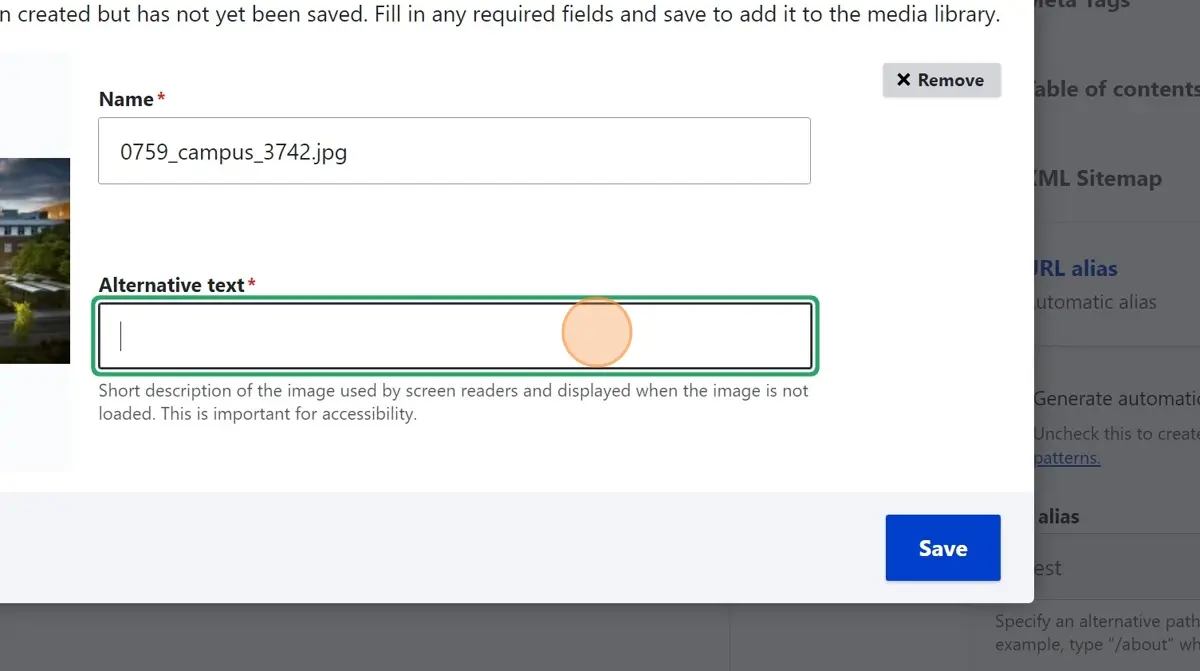
- Use the “Add or select media” tool in Drupal to upload your image.
- Enter descriptive alt text that explains the image's function or content (e.g., “Student walking across campus in fall”).
- If the image is part of a link, ensure the alt text conveys the link's purpose (e.g., “Visit College Highlights page”).
- Check your work in Editoria11y—Drupal's built-in accessibility checker—and dismiss flagged items only if you're confident they meet best practices.
Detailed instructions for working with images in Drupal
Image
Platform: