

Use headings to structure your content clearly and logically. Usually you will start with a single Heading 1 for the page title (there are exceptions), then use Heading 2s for main sections, Heading 3s for subsections, and so on—never skip heading levels.
Full instructions for headings in OSU Drupal
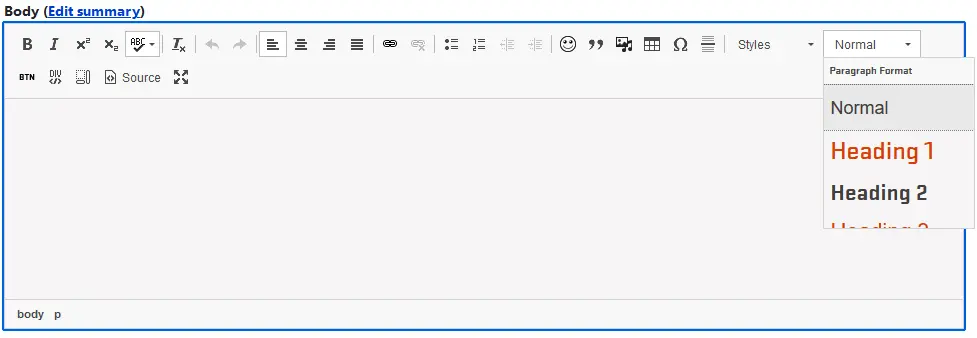
- Use the “Paragraph Format” dropdown in the text editor to apply heading levels (H2, H3, etc.).
- Start with H2 for your first section heading (H1 is reserved for the page title).
- Nest headings properly—use H3 under H2, H4 under H3, and so on.
- Avoid using bold text to mimic headings—use actual heading tags.
- Keep headings short and descriptive to help screen readers and improve scanability.
Image
See more examples of Headings and other Drupal elements on the Site Building Guide.